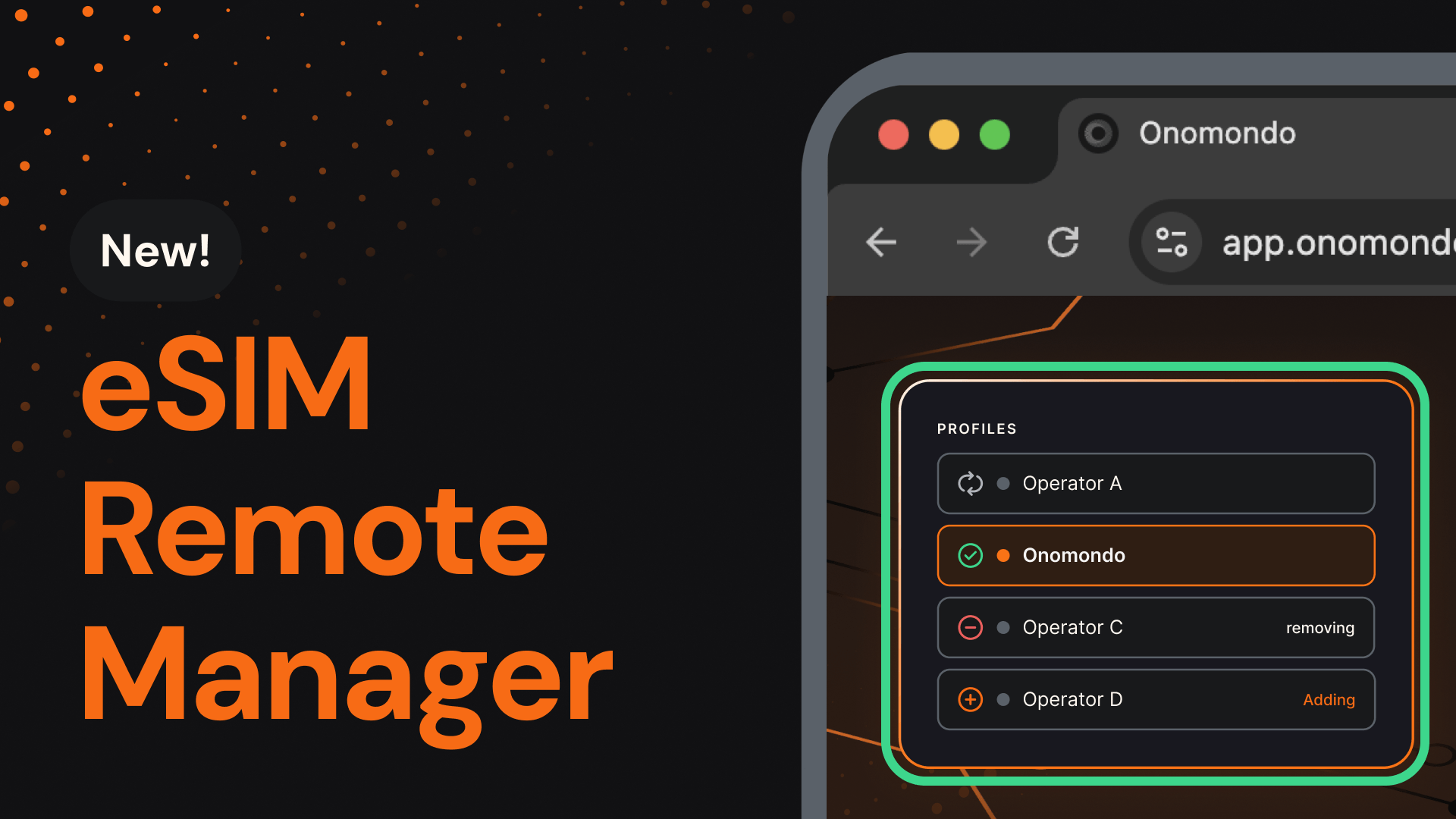

Onomondo launched its eSIM IoT Remote Manager (eIM) for the same reason and promise: To allow fleet managers of connected devices to finally switch SIM profiles remotely via a fully configurable, programmable eIM, with zero lock-in – as the SGP.32 standard intended.
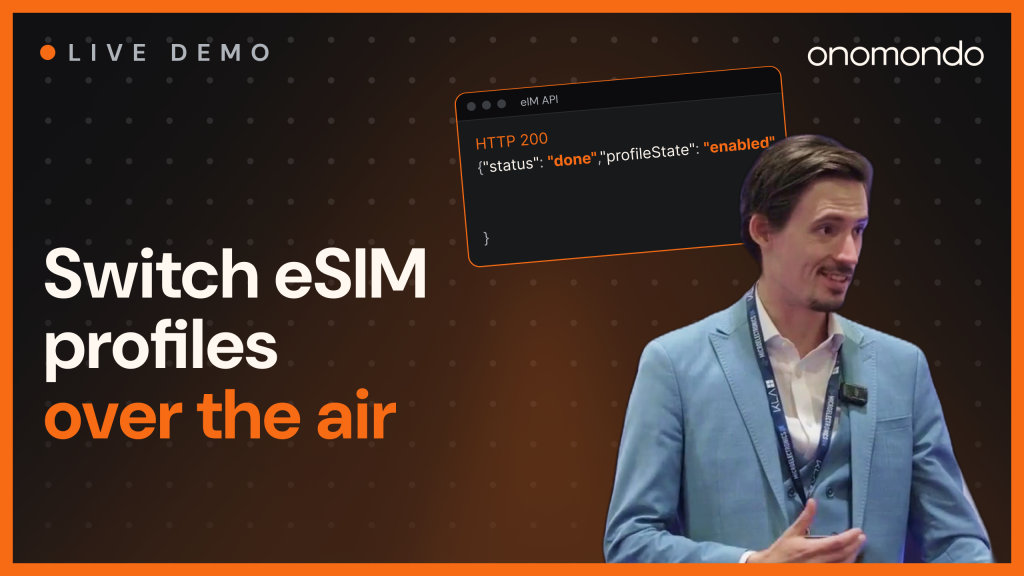
That’s a long sentence. That’s also a long promise. And that’s why we were so eager to prove that the Onomondo eIM delivers on its long promise the first chance we got. Ten days after the Onomondo eIM entered the market, Jacob Jagger, Onomondo’s Head of Information Security, Solution Engineering & Advisory (yes, that’s also a long title – he knows) demoed the eIM live at the Discovery Stage of Microelectronics.
So if you’re looking to hold our eIM accountable to its promise, watch Jacob Jagger’s demo, where he uses the Onomondo eIM to list, download, enable, disable, and delete profiles on a device equipped with an SGP.32 eUICC. As he demonstrates the main functions of the eIM, Jacob also explains the rationale of the product design for security and interchangeability.
The video includes subtitles but if you’d rather skim or read, you can find a transcript of the demo below. If you’d rather test the Onomondo eIM yourself, give us a shout here.
Get started with
the Onomondo eIM
Remote profile management for SGP.32 deployed devices – always with freedom to move.
Onomondo eIM demo transcript
– As presented by Jacob Jagger, Head of Information Security, Solution Engineering & Advisory, at Microelectronics UK 2026
“Thanks for joining. In this session today I will give an overview as to how SGP.32 is intended to work. So, I’m just going to run through a couple of very, very quick slides here, just to give you an idea of what we mean when we’re talking about SGP.32, and then I’m going to jump into a live demo and actually run through how we would effectuate a SIM profile change in real life.”
A short overview of SGP.32
“There’s a lot of different ways that we see SGP.32 being rolled out. Let’s look at the before and after of remote SIM provisioning: until now, the operator was chosen at the factory, but with SGP.32, you can have one SIM, many different operator profiles, and you can switch over the air. That’s the hope, that’s the promise, and that’s the intent.
But there’s a lot of different ways remote SIM provisioning is done, a lot of different ways this is managed. Essentially, you’ve got three different constituent components. You’ve got your SIMs, you’ve got the profiles that live on those SIMs, and you have the eIM itself.
The eIM is the bit that gets a lot of attention, but not really enough attention in the way that it should work, ideally. What we’ve done at Onomondo is we’ve taken the SGP.32 standard, and we’ve built the eIM in the way it was intended to be run – no vendor lock-in, configurable, programmable, and available as a bundle or independent.
This very much speaks to Onomondo’s focus on freedom to operate. We want you to be free to choose the connectivity that matters the most to you, but also to be free to move within the SGP.32 ecosystem without being locked into vendor lock-in situations.
Now, I could go through some more slides, but what you’re here to see is how we actually do it. So let me jump over and show you what I’m doing live in a terminal.”
Onomondo eIM Demo – a short tour
“So what you’re looking at is a couple of pre-configured settings. I’m using API calls to contact Onomondo’s eIM, so this is already self-hosted on our site. I am now defining the EID. EID might be a term you’re not necessarily familiar with: EID is the identity of the SIM, as opposed to profiles where we’re talking about ICCIDs.
I’ve put in a little script that enables me to make some basic API calls to change the SIM profile on this device I have in my hand.”
List profile
“I’m just going to pull a couple of commands here. First, just to prove that this is indeed live, I’m going to ask for the ICCID that’s on this device here. So we’ll go ahead and request that information. Now I’m looking it up and we can see that I’ve got an EID value and a listed profile. Now the eIM has sent this command up. You can see the “new” status of the command, as it’s processing.
We’ve configured the SIM to poll about once a minute, and that’s just for demo purposes. You can configure how frequently the SIM itself should be checking in with the eIM. These polling intervals are different depending on the types of eIM providers.
Whilst this command runs, I’m going to show you here the SIM itself live – in the Onomondo CMP in real time. This is the SIM and all of the telemetry that’s going through. We can slowly start to see some information filter through in Onomondo’s CMP.
Let’s check in on the eIM – and there we are. So we’ve got an ICCID. This is the SIM that’s on the device right now. It’s with Onomondo, so what you’re seeing here is an Onomondo profile. It’s important to stress that the eIM is completely non-locked. So the eIM works in the spirit of SGP.32, where we’re working with all potential providers, and we can load any profiles onto the device using this eIM solution.
So this profile is online, it’s operational, and we can see it’s with Onomondo.”
Download profile
“Now I’m requesting to download a new SIM profile onto the device. This is a standard API call. We’re ordering a download and pushing it through. I’ve just put an activation code in there, and now we’re going to go ahead and download the SIM profile. There we go – the command is now initiated.
As I mentioned, we’ve set the polling up for a one-minute timing, so we’re now waiting a minute for the SIM. It checks in with the eIM. It sees if there are any new commands to be pushed down. And whilst we wait, I can ask for the status of that download.
We can see that it’s processing. We’ve set this processing up very intentionally to make sure that when the SIM completes the download, it doesn’t break the device. So we’ve got a lot of fail-safes in place to ensure that as it goes through the download process, it will always have a fallback mechanism capable of using the initial profile that was already on that SIM. And then we have a completely separate delete command to ensure that we don’t accidentally delete that initial profile whilst we’re waiting to switch over to the new profile.”
Download status
“So let’s check again. We can see the profile has now a status of “new”. It was previously sitting in the system and it’s now in the “work” status. And if I show the CMP environment again, we see that there’s a load of new data packets that have been delivered. You can see the new SIM now in the download process, as there are a lot of extra packets being exchanged while it’s downloading this profile.
This is going to go ahead and download that profile, and then I’ll get a validation step on that. Then we’ll be able to see when this is done and see those two profiles sitting on the SIM: one from Onomondo in an enabled state, and then another one from Onomondo in a non-enabled state. What you can do then is to switch between these two profiles quite seamlessly.
Currently, this is set up to be a full API system first. But the point is, this is an eIM that’s working in the field today, fully seamlessly. And as mentioned, we’re live with this today so this is something you can request from Onomondo. It is our managed hosted service and it can be tested.
Let’s check the status of the download. There we go – download is now done and you can see the full download of the profile on the device. It’s up and running.
We can see we had one profile originally. If I just scroll up to the top here, this was the ICCID ending in 327. I pushed the work order to the eIM, it had a couple of minutes of check in and then the profile was downloaded. It’s now sitting on the device.”
Enable profile
“This new profile is not activated automatically. We do that intentionally to make sure that we don’t accidentally brick the device. We don’t delete a profile before we move over to a successful one. And now we’re just waiting for the device to essentially call home just to be able to see how the profiles are sitting on that as well. And now we see the list of downloaded profiles.
So I just asked for a profile list. What we’re now seeing is the original profile, 3327, the one we had on the device when I started. We also see the new profile that I just pushed down to the device ending in 3293. And you can see that the latter is enabled. On the CMP side, this profile was the one that we saw with all the packets being exchanged.
And then the disabled profile is the one that we’ve initially downloaded and is now available on the device. And then from here, we could go forward. We could enable that second profile and have connectivity out of the box. That could be on a different profile through a different operator.”
Delete profile
“And then we can delete that initial profile as well. So another key thing there is that the SIM isn’t a locked-in bootstrap profile. That initial profile can be deleted and changed.
I’m going to do one last thing and delete the profile we just downloaded. We can see it present and now we’re deleting it. So if I delete the 3293 from this device here, that’s now going to send that delete command over to the SIM. Again, it’ll take about 60 seconds as it checks in. And now we only have that initial profile left over again.”
Final notes on the eIM
“Your mileage is going to vary depending on the type of eIM that you’re deploying and your choice of provider. You’re likely going to see different levels of speed on them based on the “call home” functionality that’s typically pre-configured in the eIM.
One of the key differentiators of Onomondo eIM is that we’re enabling the ability to configure the polling interval on the frequency and the timing – if it’s something that needs to have high sensitivity or low sensitivity to be able to configure that as well.
There’s just one last thing I wanted to highlight, which is what’s next and where we are from an eSIM perspective. The Onomondo eIM is available and Onomondo can ship full SGP.32 SIMs today.
Hopefully this demo gives you a little bit more of an insight into how an eIM solution works in practice, the way that the GSMA gods intended for it to work.
Completely open, completely transparent, capable of being able to move between different providers and fully non-constrained with no vendor lock-ins in the way that it’s deployed. And there we are. That’s download profile confirmation, and delete, all in about 15 minutes or so. This can be done remotely from anywhere in the world with Onomondo’s eIM.
Thank you.”
– Jacob Jagger at Microelectronics 2026