
What’s new
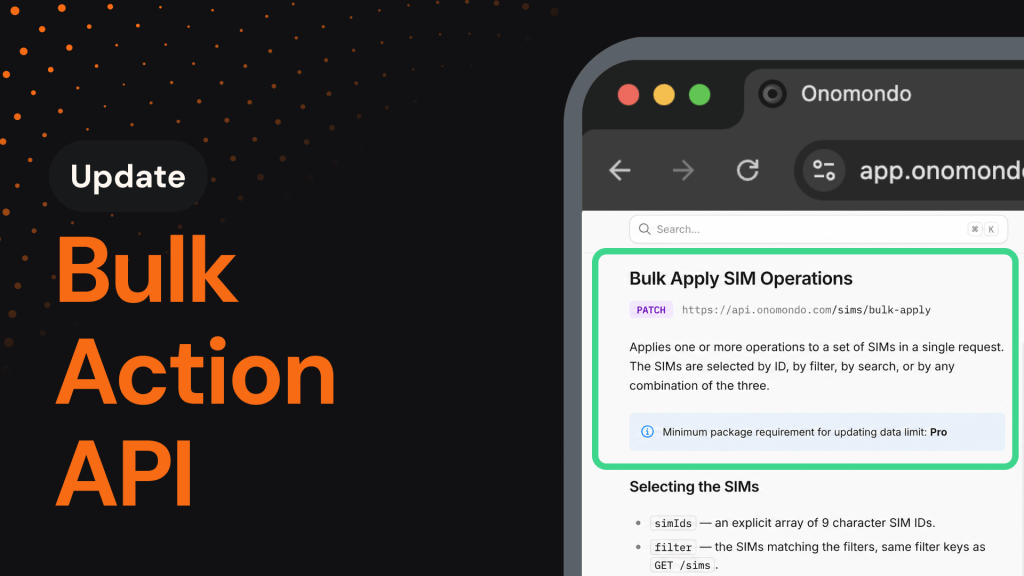
Managing a large SIM fleet through the API just got significantly faster. No more 20 SIMs per request, no more support tickets for routine changes. Select the SIMs you want by ID or by filter, apply your changes, and move on.
You’ll now be able to:
- Update up to 5,000 SIMs at once: Set labels, tags, connectors, network lists, data limits, cost alerts, and technologies in a single request.
- Target SIMs by filter: Select by connector, tag, network, country, MCC, technology, or online and activation status, without listing IDs.
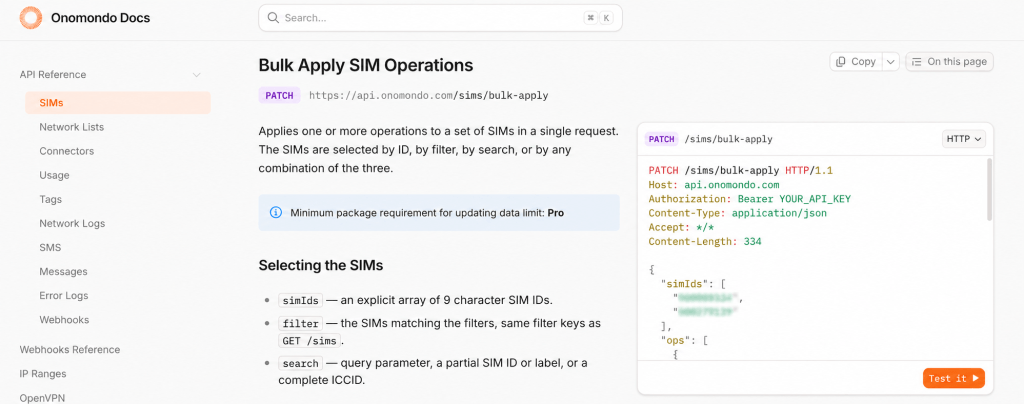
- Combine operations in one call: Set a label, add a tag, change a connector, and update a data limit in the same request. Each operation applies to every SIM in your selection.
Why it matters
When your fleet management runs through code, a 20-SIM cap per request turns a routine change into hundreds of calls. That overhead slows your automation down and pulls engineering time away from higher-value work.
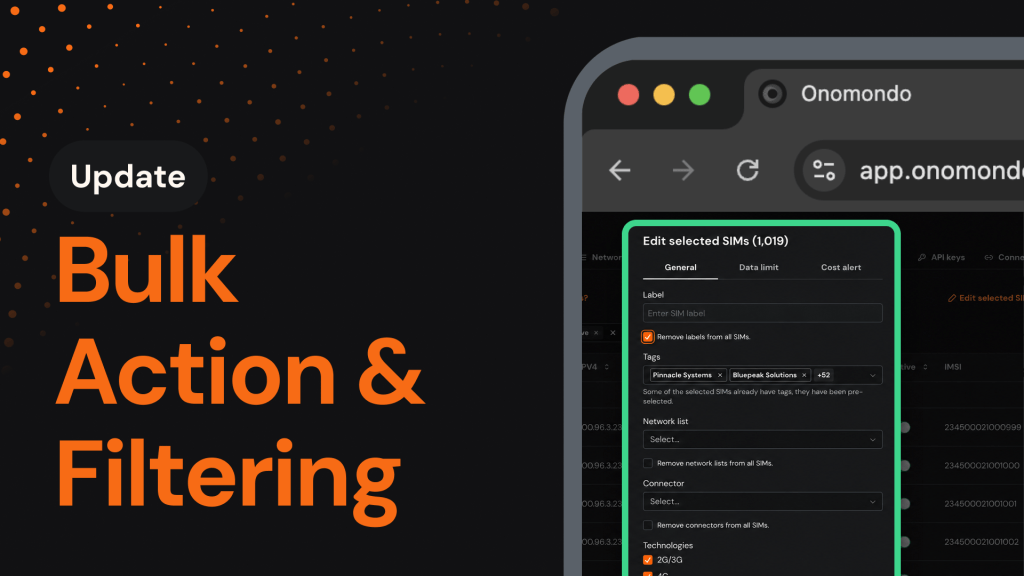
Earlier this year, we brought Bulk Actions to the web app. The Bulk-Apply endpoint extends the same capability to the API, so your automated workflows can act on the fleet as fast as your team does in the platform.
How it works
SIM IDs, filters, and free-text search all work together, so you can layer them to target the exact SIMs you want. They combine with AND logic, which means every criterion you add narrows the selection rather than widening it. Each request is capped at 5,000 SIMs, and the existing Bulk SIM Update endpoint remains for smaller, per-SIM changes.
How to get started
Updating SIMs in bulk takes a single request:
- Grab an API key from the API keys page in the Onomondo platform.
- Send a PATCH request to /sims/bulk-apply with your SIM selection, either a list of SIM IDs, a filter, or both, and the operations you want to apply.
- Check the response, where 200 OK confirms every SIM in your selection was updated.
Always include a filter or a list of SIM IDs. Without one, the call targets your entire fleet.