
What’s new
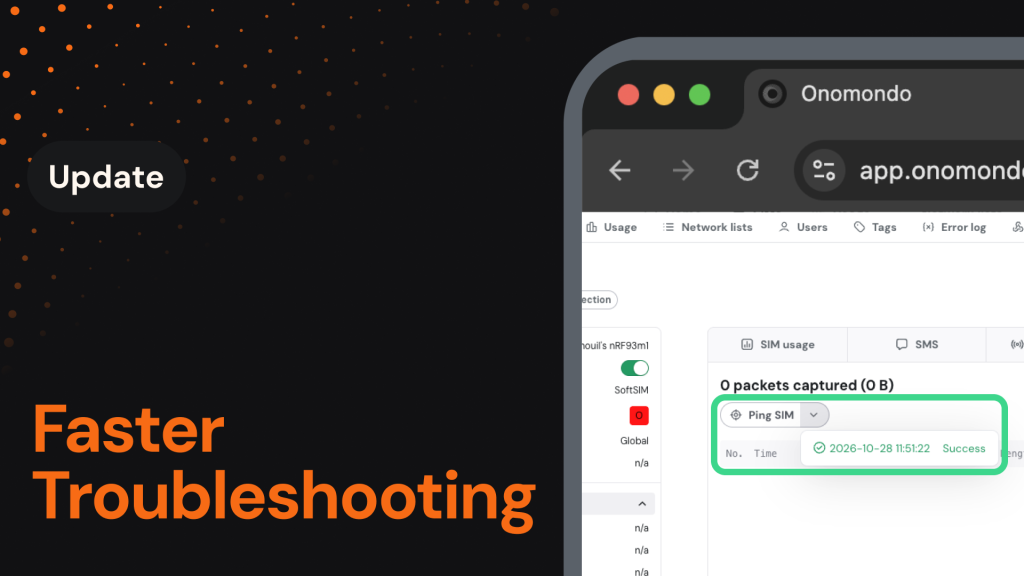
Troubleshooting a device no longer means scrolling through thousands of log entries or opening a ticket and waiting. Ping and Reset Connection are now available to every customer in the Onomondo platform, and you can filter both Network Logs and Signaling Logs directly on the SIM page.
You’ll now be able to:
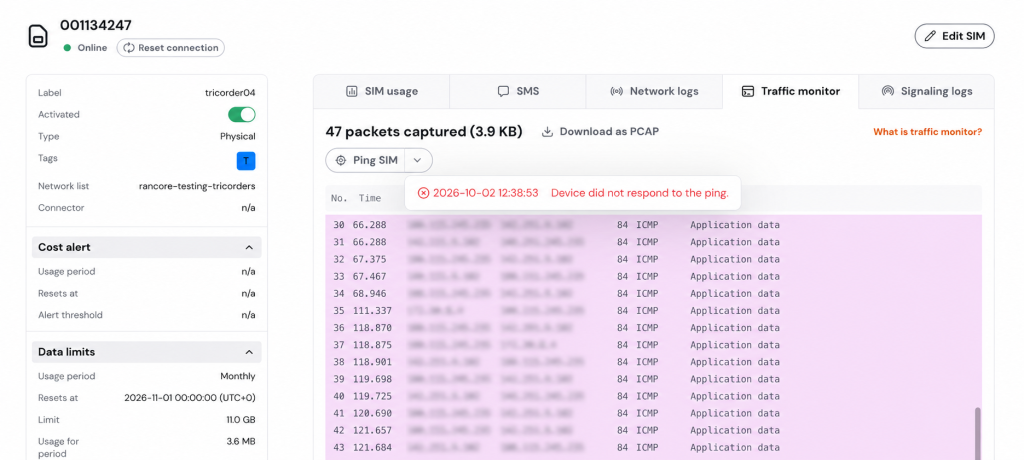
- Check whether a device is reachable: Press Ping from the Traffic Monitor tab to see whether a device is responding, so you can tell straight away whether the problem is the device or the connection.
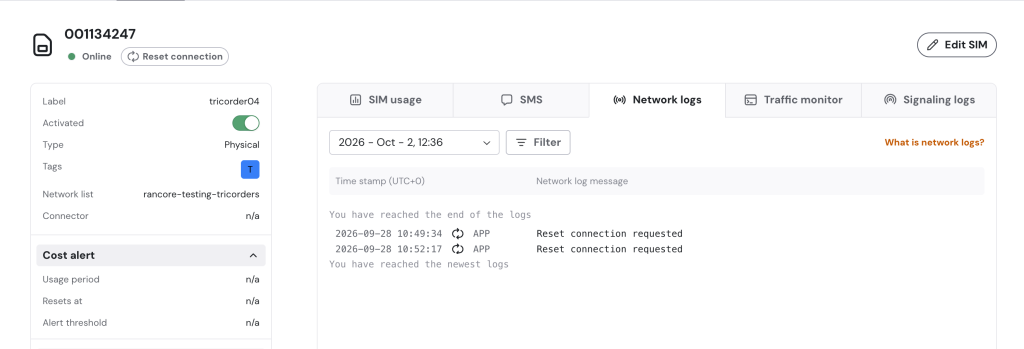
- Recover a stuck connection: Press Reset connection to clear the device’s record on the operator side, so its next attach starts clean, all of it without deactivating and reactivating the SIM.
- Filter logs down to the event that matters: Narrow Network Logs by time, event type, log type, and technology, and Signaling Logs by time.
Why it matters
Getting your fleet operational and keeping it that way is the job. Until now, diagnosing a single misbehaving device often meant scrolling through unfiltered logs looking for one event, or reaching out to support and waiting for someone to look on your behalf. The information needed to narrow the search was there, but there was no way to use it.
This release puts that control in your hands. You can confirm reachability, recover a stuck device, and isolate the exact window where something went wrong in seconds. And when you do need support, you arrive with the right log details already in hand.
How it works
Ping and Reset Connection both run from the SIM page. Ping reports back in the Traffic Monitor tab as a success or a failure. Reset Connection is confirmed in the Network Logs tab, where you can see the request and the connection status that follows.
Filters sit inside each log tab and update the results as you apply them. In Network Logs, use the log type and technology filters together, or filter by event type on its own. In Signaling Logs, filter by date and time, and the first matching log appears at the top. Both tabs cover historical events, so you can pull only the logs from a specific afternoon a month ago.
How to get started
Troubleshooting a device takes just a few clicks:
- Open the Onomondo platform and navigate to the SIM you want to investigate.
- Press Ping in the Traffic Monitor tab to check reachability, or Reset Connection to force a re-attach.
- Open the Network Logs or Signaling Logs tab and apply filters to narrow down to the events you need.
For step-by-step guides on each tool, see How to utilize updated troubleshooting tools in the Onomondo app.