
What’s new
Finding the right SIMs in a large fleet just got significantly faster. No more scrolling table after table, no more one-at-a-time lookups. Search a full list at once, sort on more attributes, and surface the exact SIMs you need.
You’ll now be able to:
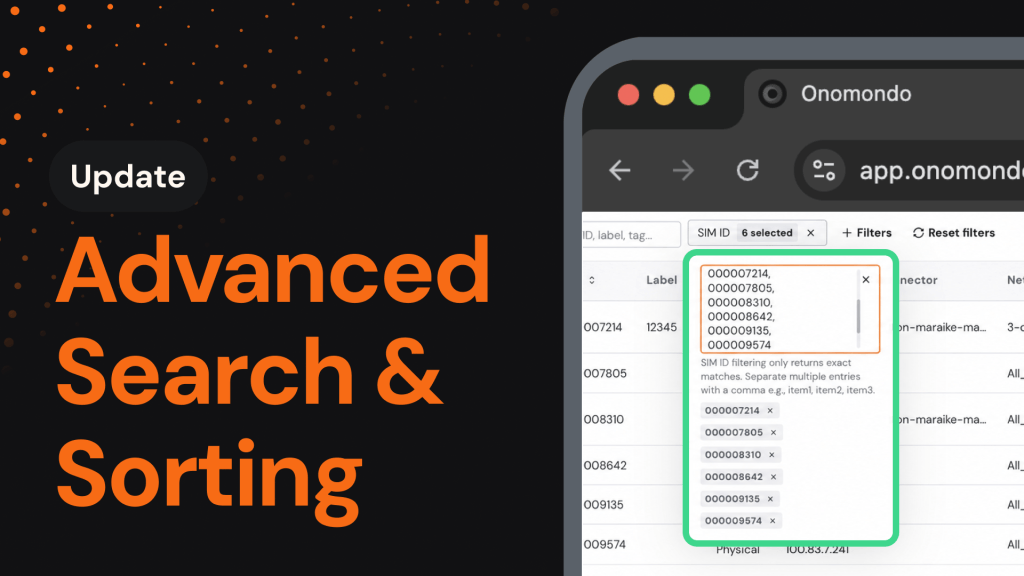
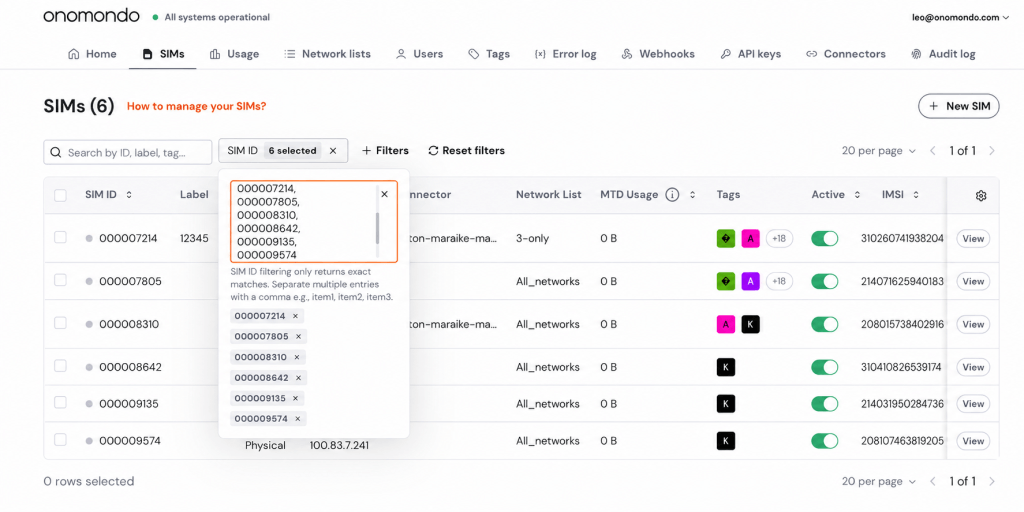
- Search comma-separated lists: Paste a list of SIM IDs, Labels, IPv4s, IMSIs, or ICCIDs into a filter and pull them all up in a single search.
- Sort on more attributes: Order the SIM table by Label, IMSI, Current Network, Country Code, Last Online, or ICCID, ascending or descending.
- Search across more fields: Free-text search now spans Current Network, Country Code, MCC, MNC, MCC+MNC, Connector, and Network List, on top of SIM ID, Label, and Tag.
Why it matters
When you manage thousands of SIMs, finding the right ones shouldn’t mean scrolling endless tables or looking them up one by one. That overhead slows every task that follows and pulls focus away from higher-value work.
This is the final step in a broader push to make fleet management effortless. With comma-separated search, broader sorting, and expanded free-text search, you can pinpoint any set of SIMs in seconds and slot it straight into your existing workflows.
How it works
Filtering, sorting, and comma-separated search all work together, so you can layer them to reach the exact SIMs you want. Comma-separated search runs from the specific filter you select in the dropdown, and supports up to 5,000 entries per search. The primary search bar stays as it is for quick free-text lookups.
How to get started
Finding the SIMs you need takes just a few clicks:
- Open the Onomondo platform and navigate to the SIMs page.
- Use the primary search bar for free-text search, or select an attribute from the filter dropdown to paste a comma-separated list.
- Click the sort arrows next to any supported attribute to order results, attributes to update, and confirm.