

What’s new
Managing a growing SIM fleet just got significantly faster. No more batching SIMs in groups of 20, no more support tickets for routine changes. Just find your SIMs, select them, and act.
You’ll now be able to:
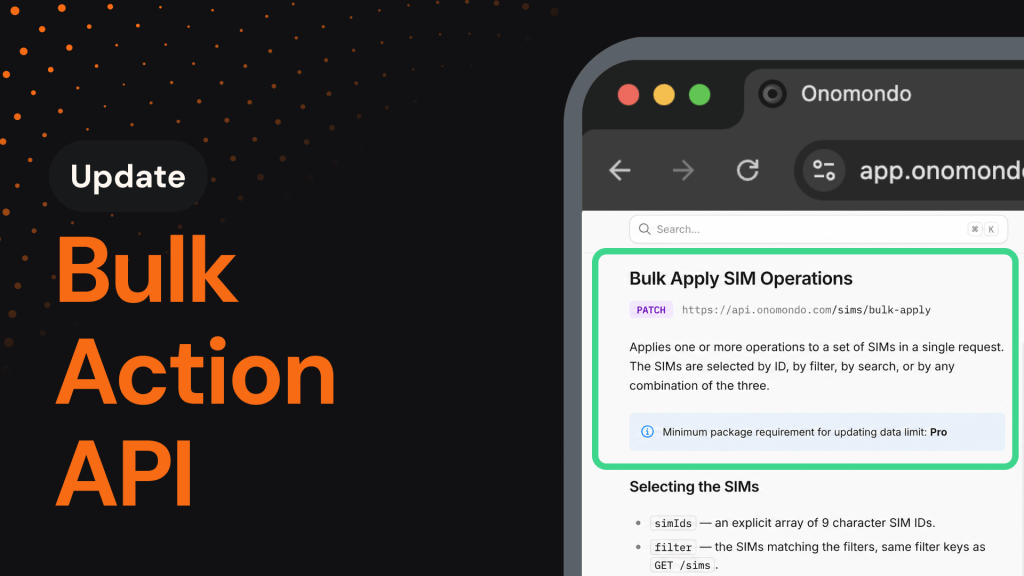
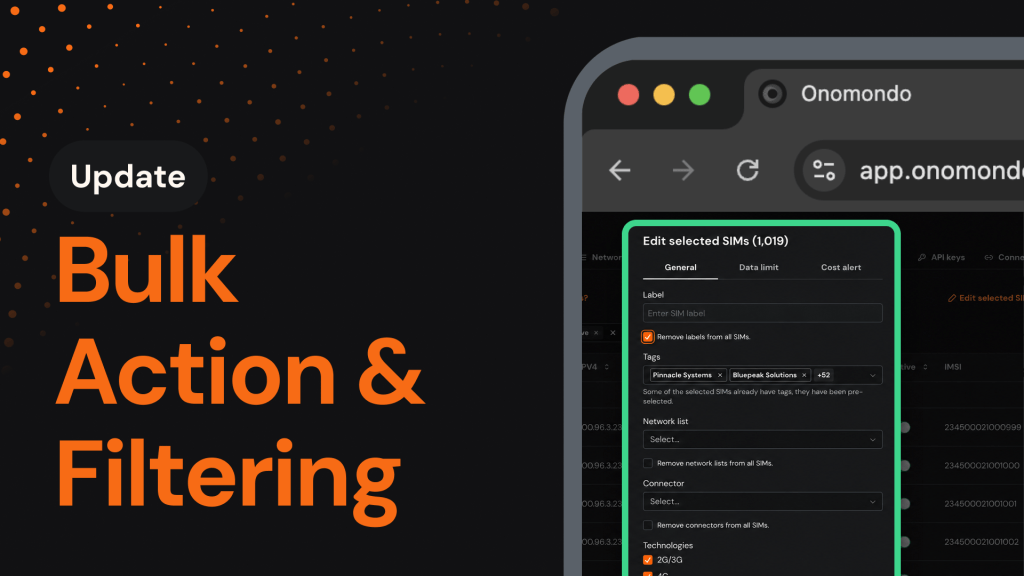
- Bulk-edit at scale: Update tags, network list, label, connectors, data limits, and cost alerts on up to 5,000 SIMs in a single action.
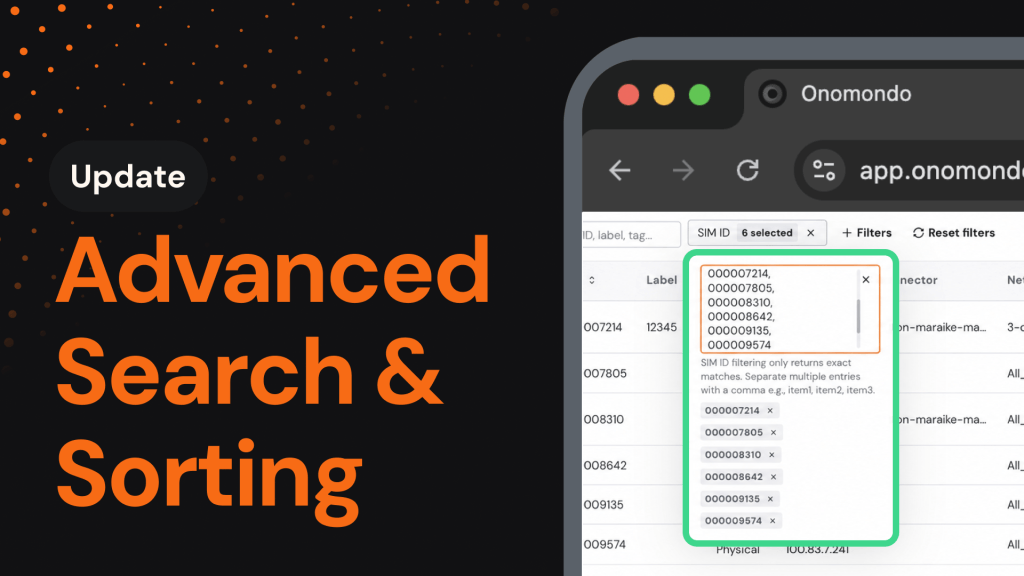
- Filter with precision: Segment your fleet using 7 new attributes, including Connectors, Network List, Tags, Technologies, Current Network, Current Country, and MCC.
- Combine filters your way: Use AND/OR logic to pinpoint the exact group of SIMs you want to act on, no matter how specific.
Why it matters
When managing thousands of SIMs, routine changes shouldn’t require batching SIMs in groups of 20 or opening a support ticket. That overhead slows operations and pulls focus away from higher-value work.
Bulk Actions remove that friction by letting you act on your entire fleet from a single view. Combined with sharper filtering, your team can move faster, make changes confidently, and manage fleets of any size independently.
How it works
How to get started
Editing SIMs in bulk takes just a few clicks:
- Open the Onomondo platform and navigate to the SIMs page.
- Use filters to narrow down your fleet, then select the SIMs you want to edit (up to 5,000)
- Click Edit Selected SIMs, choose the attributes to update, and confirm.